Change every TV before the next pint is poured.
From behind the bar, on your phone. Put tonight's match on every screen, swap in a Sunday roast at 11am, drop happy hour at four. No USB stick. No walking screen to screen.
- No card required
- Up to 3 screens on trial
- Cancel anytime
- UK support
- Remote updates
- Playlist scheduling
- Multi-screen publishing
- Per-screen pricing
- Browser & PWA player
From back-street pubs to boutique hotels.
JKL Screens works with the customer-facing screens you already own — one platform for pubs, sports bars, cafés, takeaways, restaurants and hotels.
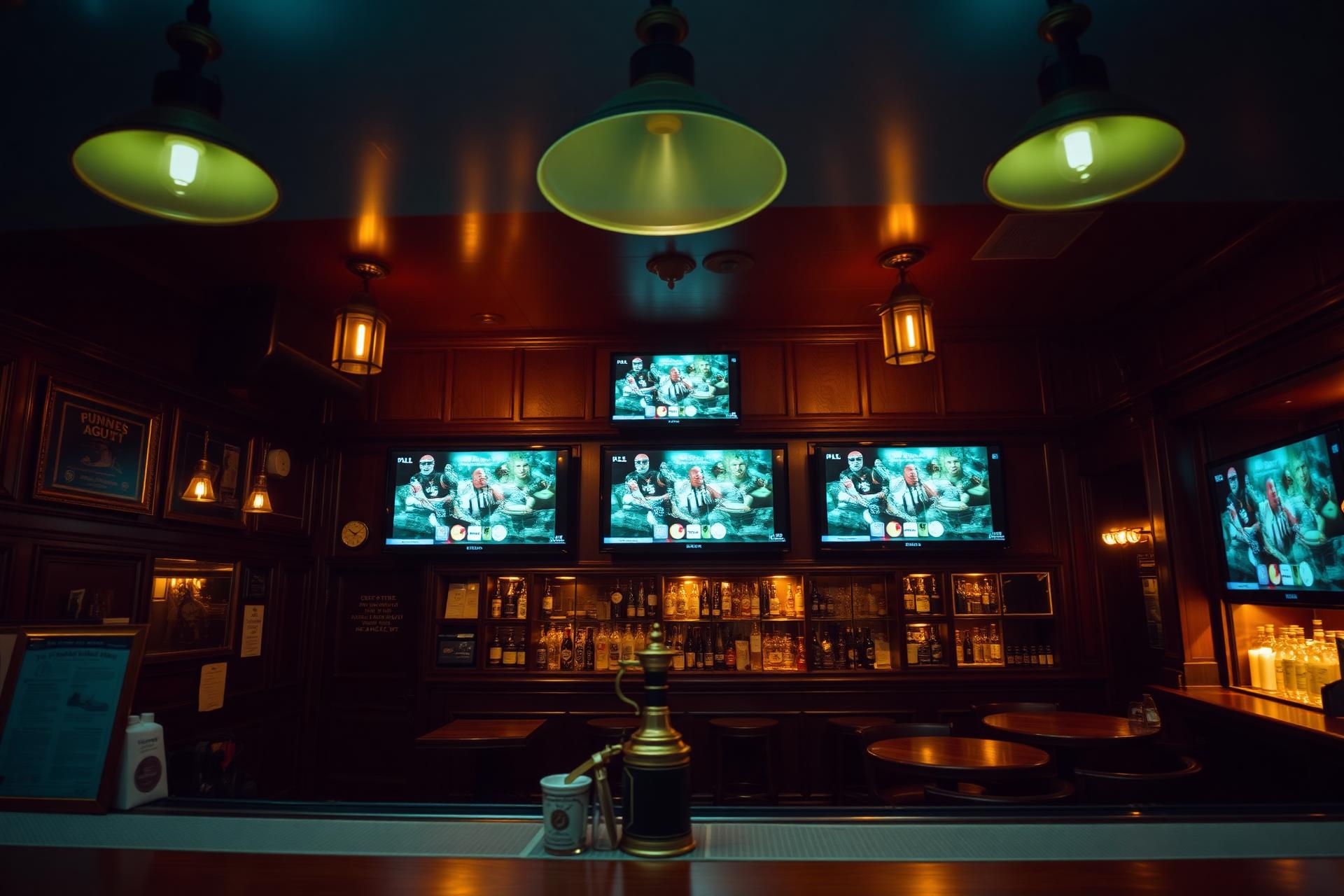 Pubs & barsCoordinate every screen behind the bar
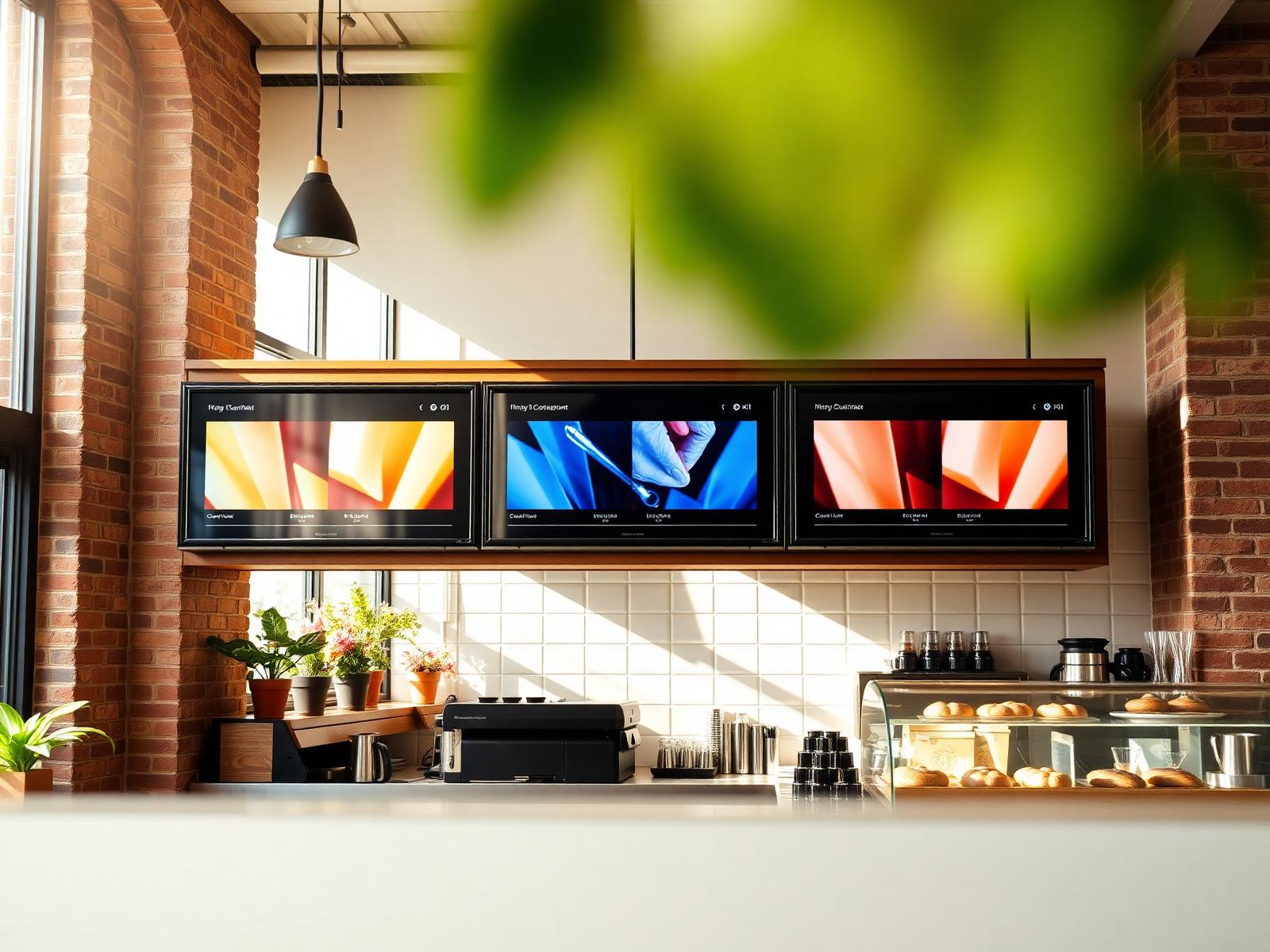 Cafés & takeawaysSwap breakfast for lunch on schedule
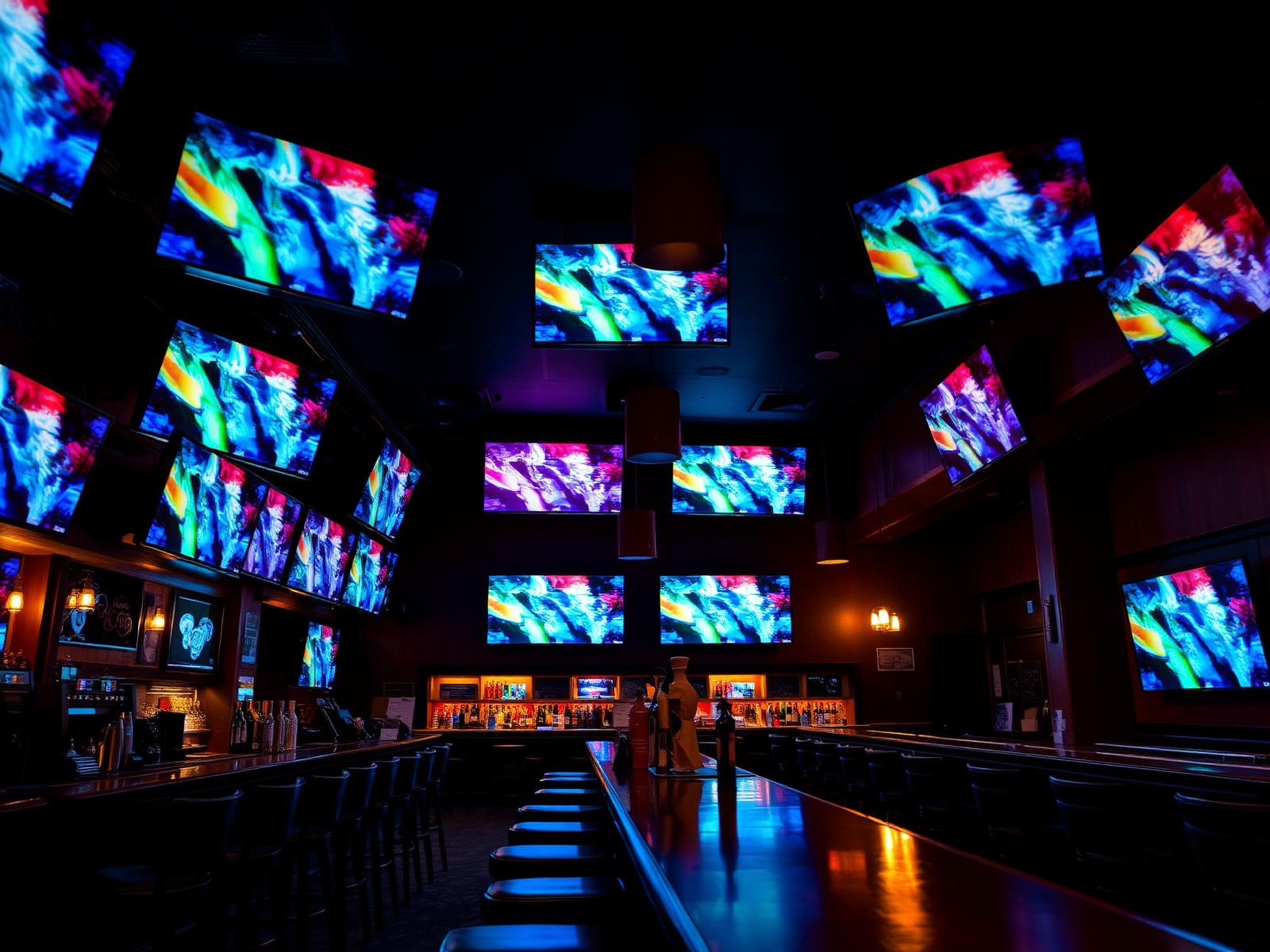 Sports barsTake over every screen before kick-off
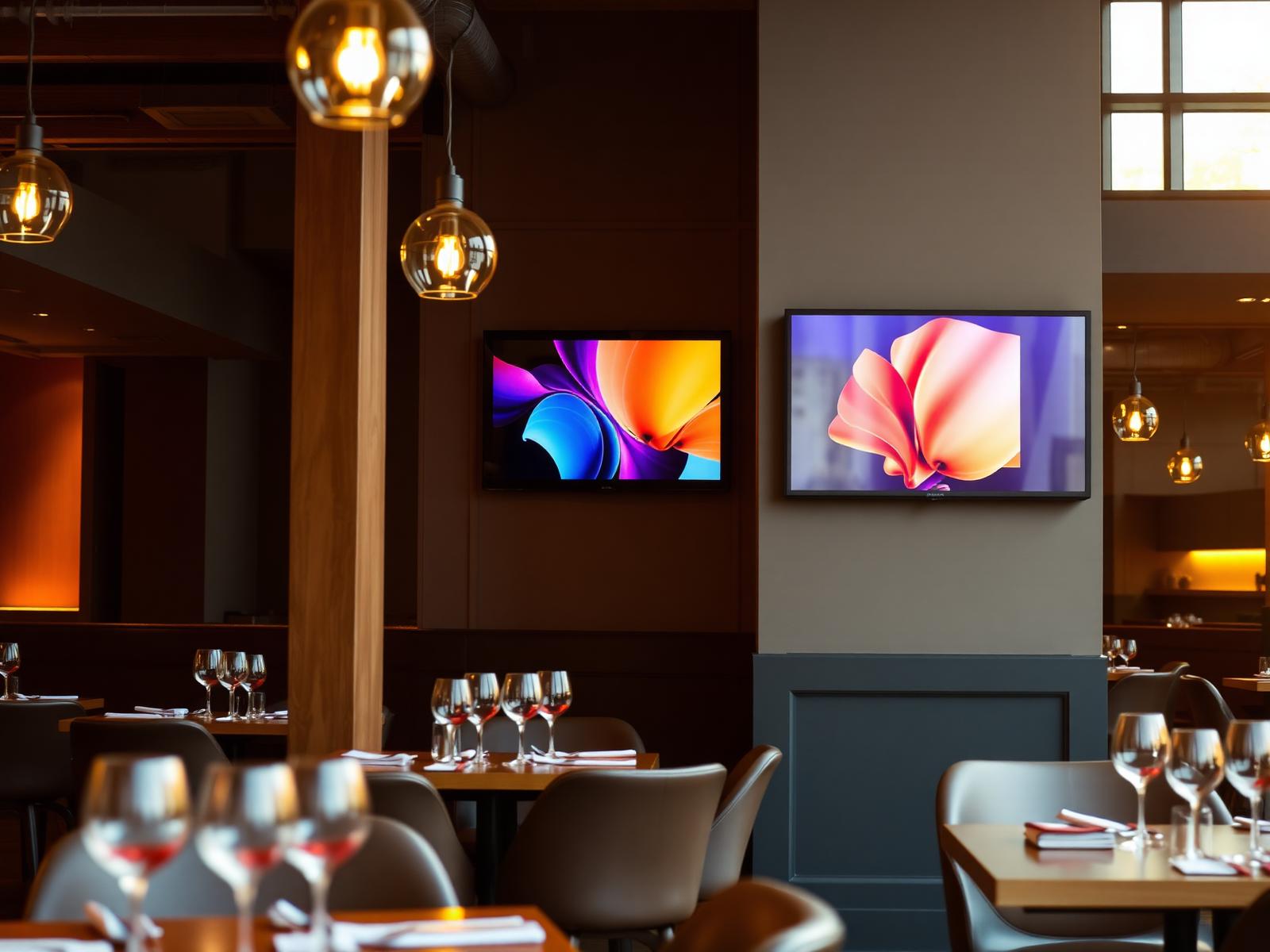 RestaurantsShow tonight's specials without reprinting
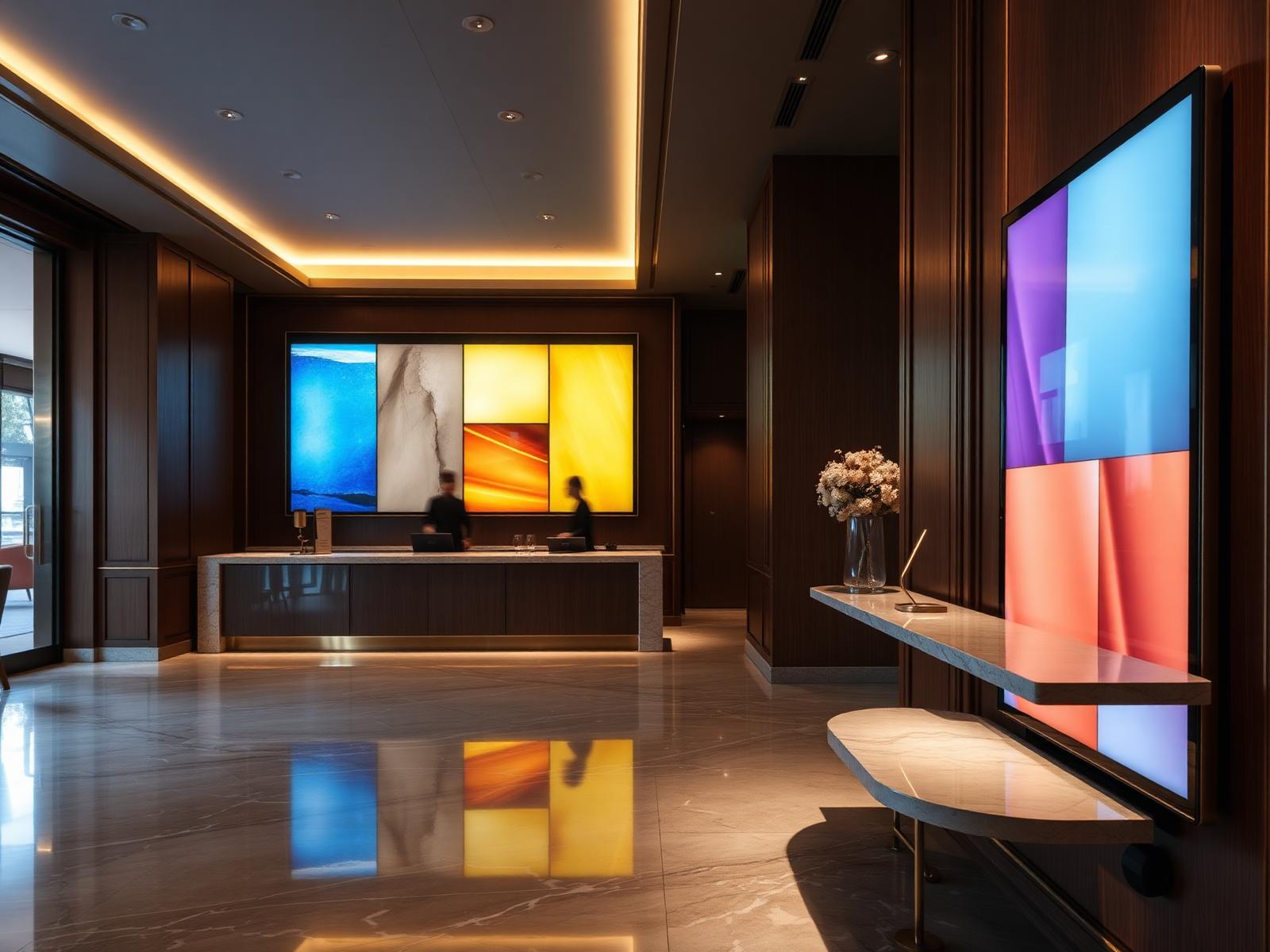 HotelsGuide guests from lobby to lounge
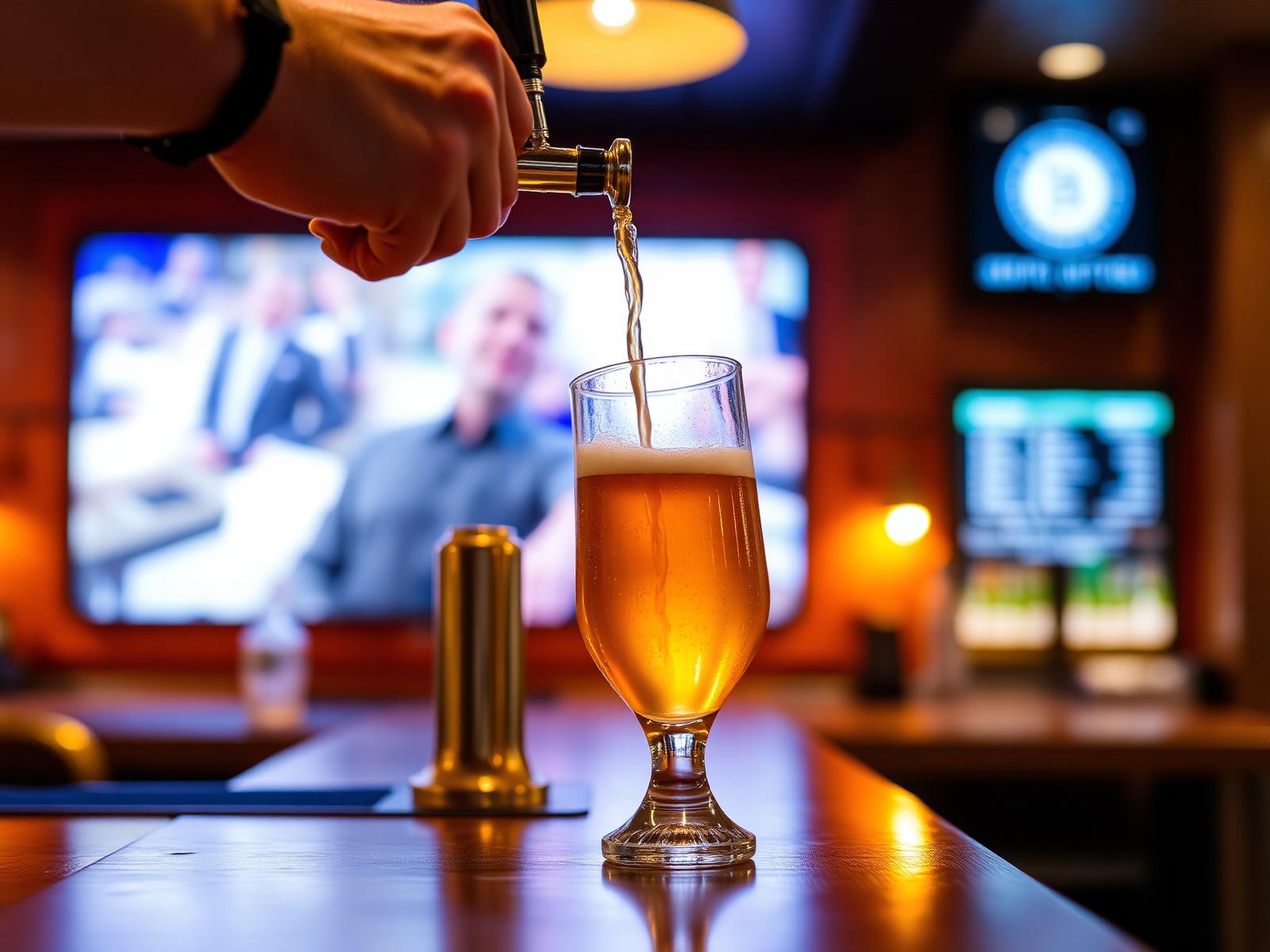 Happy hourAutomate time-sensitive offers
From your phone to every TV in three simple steps.
- 01
Pair your screen
Connect a screen using its secure six-character pairing code.
Pair code4Q7-K2XDashboard - 02
Build your playlist
Upload images or videos and arrange them in the order you want.
Playlist · Weekend- 1Happy Hour10s
- 2Match Day10s
- 3Roast Sunday10s
- 4Live Music10s
- 03
Schedule and publish
Send the right promotion to the right screens, wherever you are.
ScheduleHappy Hour16:00 – 18:00MTWTFSSPublished to 4 screens
One screen. Every moment your venue needs.
Happy Hour
Automatically switch to your drinks offer at 4pm.
Everything you need to run your screens.
- 1Happy Hour10s
- 2Match Day10s
- 3Roast Sunday10s
- 4Live Music10s
- Main Bar Online
- Lounge Online
- Entrance Online
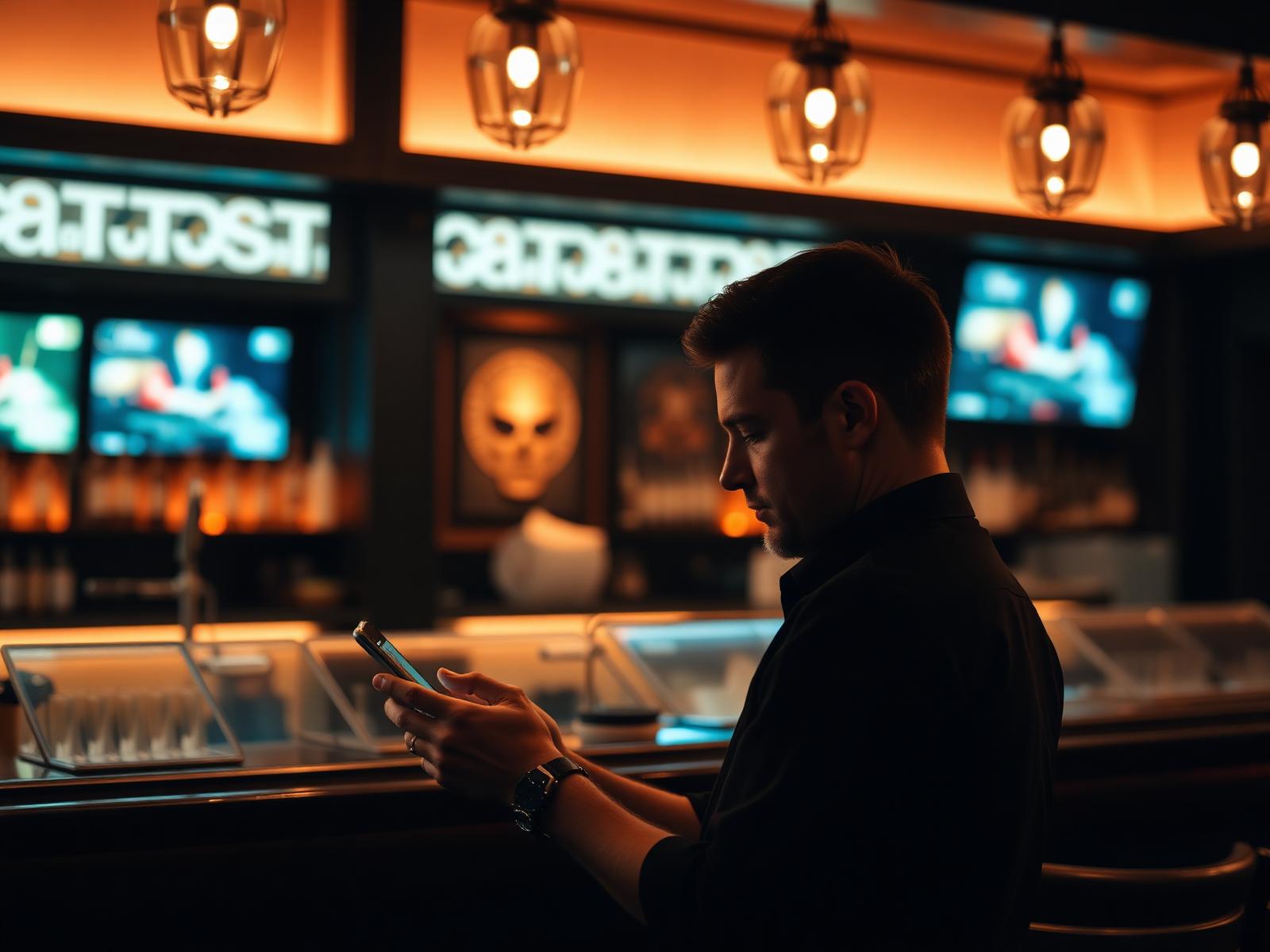
Update tonight's offer without leaving the bar.
Change food offers, drinks promotions, events and announcements from your phone or laptop. Publish once and keep every connected screen consistent.
- Upload images and video
- Build and schedule playlists
- Update one screen or every screen
- Main BarLive
- LoungePublishing
- EntranceLive
- TerraceWaiting
Built for hospitality teams, not IT departments.
| Capability | USB sticks | Generic tools | JKL Screens |
|---|---|---|---|
| Update remotely | |||
| Schedule content | |||
| Reuse playlists | |||
| Publish to multiple screens | |||
| See screen status | |||
| Designed for hospitality | |||
| Transparent per-screen pricing |
Help shape the signage platform hospitality actually needs.
JKL Screens is being built around the real pressures of running busy venues. Join early and shape the roadmap.
Become a founding venueSimple, per-screen pricing.
Answers before you ask.
How do I connect a screen?+
Open the JKL player on your TV or Fire TV, then enter the six-character pairing code shown in the dashboard.
Can I update screens from outside the venue?+
Yes. As long as the screen has an internet connection, you can publish new playlists and schedules from anywhere.
What media formats can I upload?+
Images (JPEG, PNG, WebP) and video (MP4/H.264). Larger files are automatically transcoded for playback.
Can I schedule different playlists?+
Yes. Schedules support time windows, weekday rules and priority ordering, so happy hour can override the default playlist.
How does per-screen pricing work?+
You pay per active screen — £9.99/month or £7.99/month billed annually. Add or remove screens at any time.
Which Fire TV or Firestick devices are supported?+
Today, the browser-based PWA player runs on any Fire TV device with a modern browser — this is what we ship now. A dedicated Fire TV app is on the roadmap, targeted for Q4 2026, and founding venues get it first.
What happens if the internet connection drops?+
Downloaded playlists continue to play offline and automatically resync once the connection is back.
Can I cancel my subscription?+
Yes, cancel at any time from the billing page. Your screens keep playing until the end of the billing period.
How many screens can I manage?+
There's no hard limit — the trial supports up to 3 screens, and paid plans scale to as many as you need.
Put your next promotion on every screen.
Create your first playlist and see it live in your venue.